How to Create a More Organised and Productive Home Office Space
Working from home has become increasingly common, making it more important than ever to create a home office that supports productivity and organisation. A well-arranged workspace can reduce stress, improve focus, and help maintain a healthy work-life balance. Whether you have a dedicated room or just a corner of a room, here are some helpful tips to transform your home office into a more organised and productive environment.
Choose the Right Location
Find a Dedicated Space
If possible, designate a specific area solely for work. This helps your brain associate that space with productivity, making it easier to focus. A quiet corner, spare room, or even a well-organised nook can work well as your home office.
Consider Natural Light
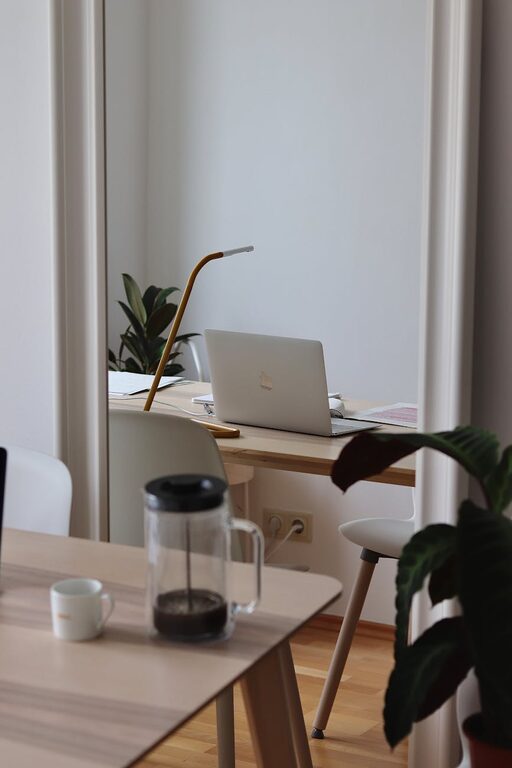
Position your desk near a window to take advantage of natural daylight. Good lighting can improve mood and reduce eye strain. If natural light isn’t an option, invest in a quality desk lamp with adjustable brightness.
Invest in Comfortable and Functional Furniture
Select an Ergonomic Chair
Comfort is key when spending hours seated. Choose a chair that supports your back, promotes good posture, and is adjustable to your height.
Choose a Suitable Desk
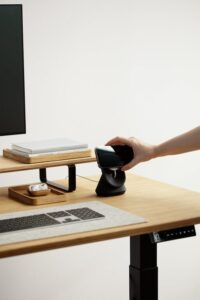
The desk should be spacious enough for your computer, essential tools, and allow some free workspace. Adjustable desks that let you switch between sitting and standing can also be beneficial.
Keep Your Workspace Organised
Declutter Regularly
Keep only essential items on your desk to avoid distractions. Regularly review what you have and clear anything unnecessary.
Use Storage Solutions
Organise documents and supplies with shelves, filing cabinets, or storage boxes. Label containers clearly for easy access and maintain order.
Cable Management
Tidy cables and wires with clips, ties, or cable trays to keep your desk neat and prevent tangles.
Optimise Your Technology Setup
Streamline Your Devices
Use as few devices as possible to reduce clutter. A good-quality keyboard, mouse, and monitor can make a significant difference in comfort and efficiency.
Manage Digital Files
Keep your computer desktop clean by organising files into folders. Back up important documents regularly to avoid data loss.
Personalise Your Space Thoughtfully
Add Inspirational Elements
Personal touches like plants, photos, or artwork can boost your mood and creativity. Keep these items balanced to avoid clutter.
Maintain a Calm Colour Scheme
Choose calming colours like blues, greens, or neutrals that help with concentration and reduce stress in your workspace.
Create a Routine and Boundaries
Set Working Hours
Define clear start and finish times to keep work and home life separate. Communicating these boundaries to household members will help reduce interruptions.
Plan Breaks
Schedule regular breaks to rest your eyes, stretch, and refresh. This helps maintain productivity throughout the day.
Utilise Organisational Tools
Use Planners and To-Do Lists
Written or digital planners help track tasks and deadlines. Prioritise tasks to focus on what’s most important.
Leverage Apps and Software
To-do apps, calendars, and note-taking tools can improve time management and streamline communication.
Keep it Clean
Daily Tidy Up
Spend a few minutes at the end of each day clearing your desk and organising materials. This prepares you for a fresh start the next morning.
Deep Clean Weekly
Give your office a thorough clean weekly, wiping surfaces, dusting shelves, and emptying bins.
—
Creating a more organised and productive home office space doesn’t require a full overhaul overnight. Gradually implementing these tips can make your workspace a place where you feel motivated, focused, and comfortable. A well-planned office environment supports not only your work but also your wellbeing.